Creating complimentary or free vouchers on our voucher system is simple.
When you get to the final stage of the sales terminal make sure your staff discount takes the total value to zero.
Alternatively even easier is to press the discount full order.
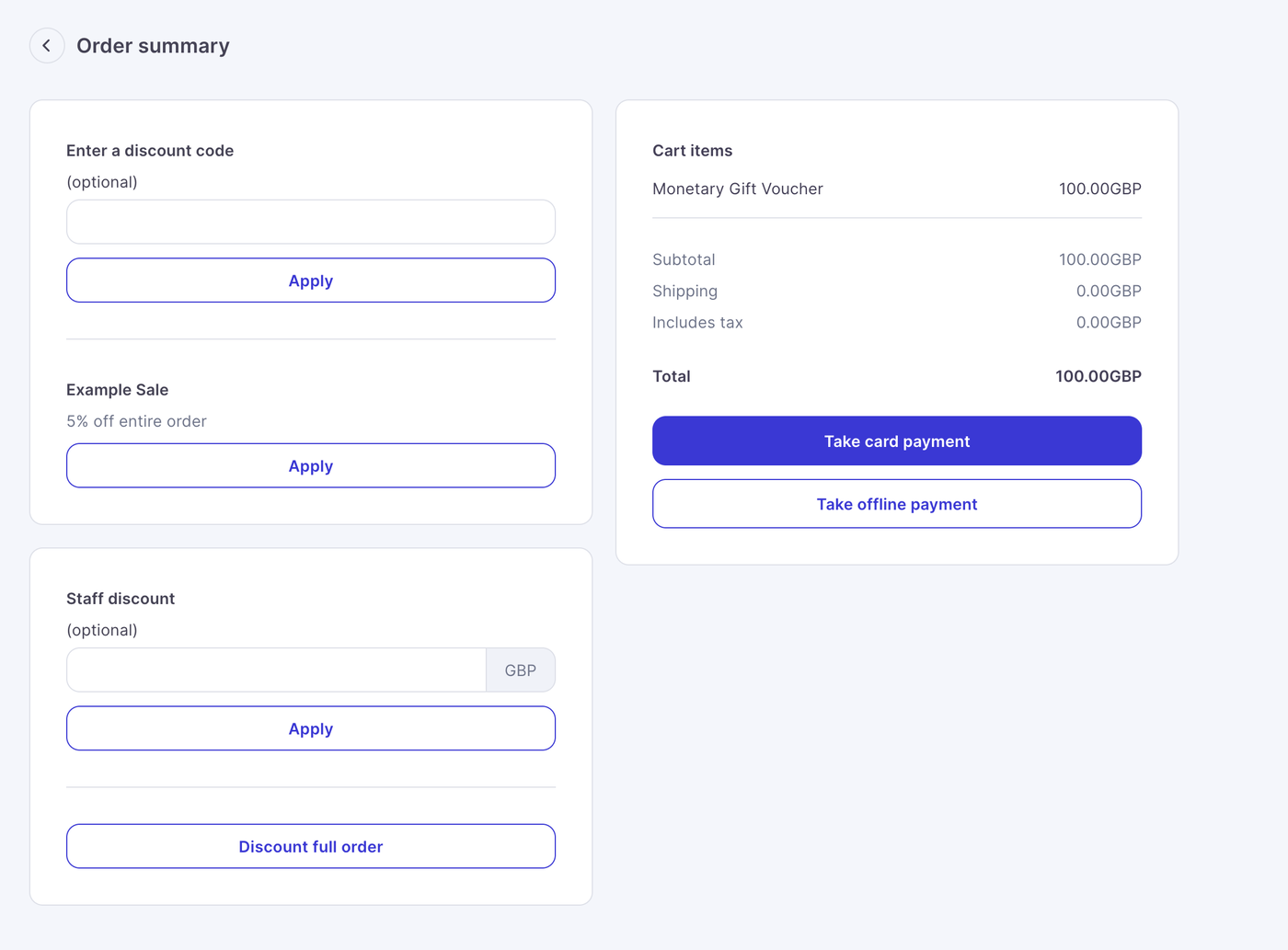
This will reduce the order total to 0, complete the order, the system will recognise this as a complimentary voucher, this will also remove pay by link as an option as there is nothing to pay for.
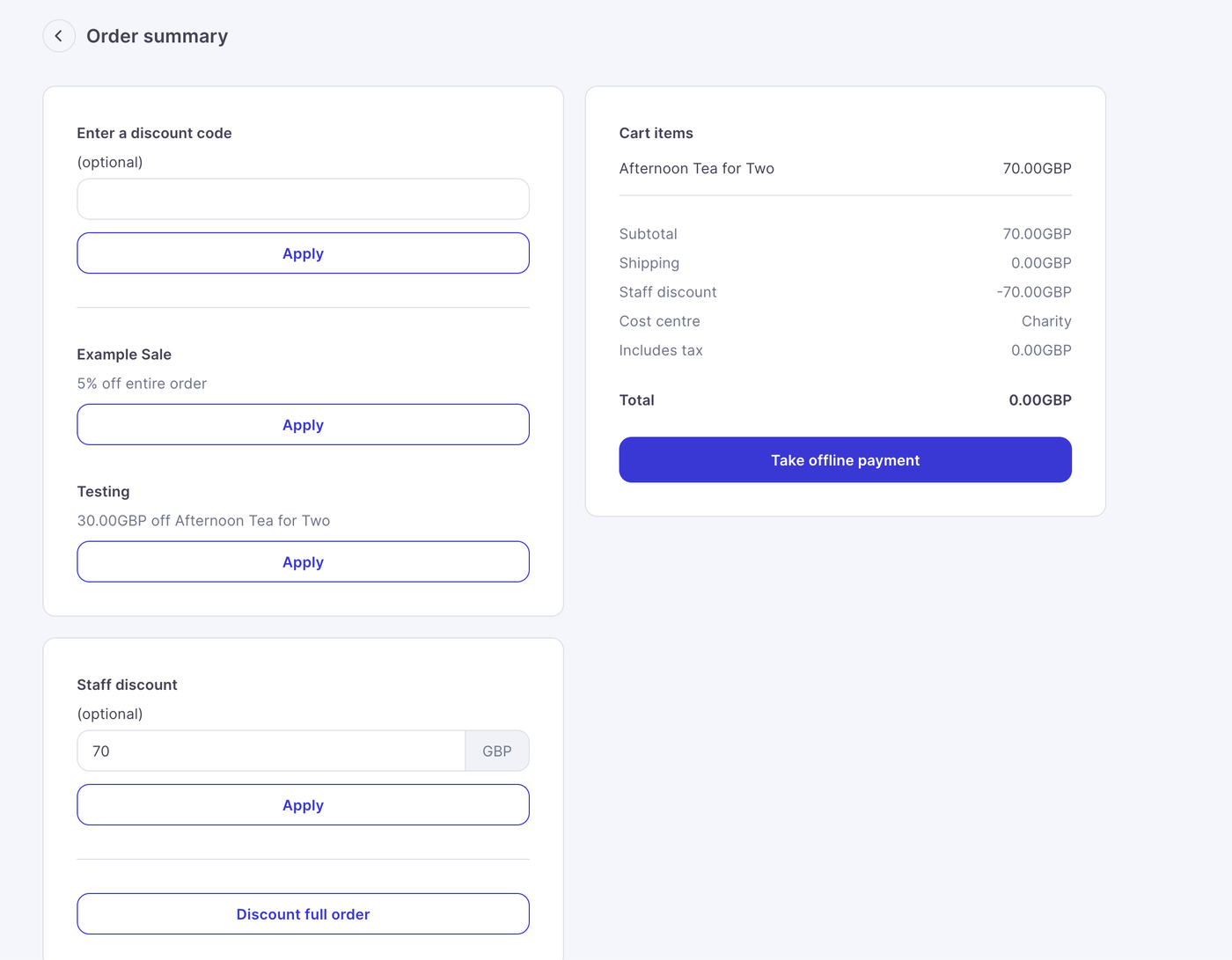
Adding Cost Centres
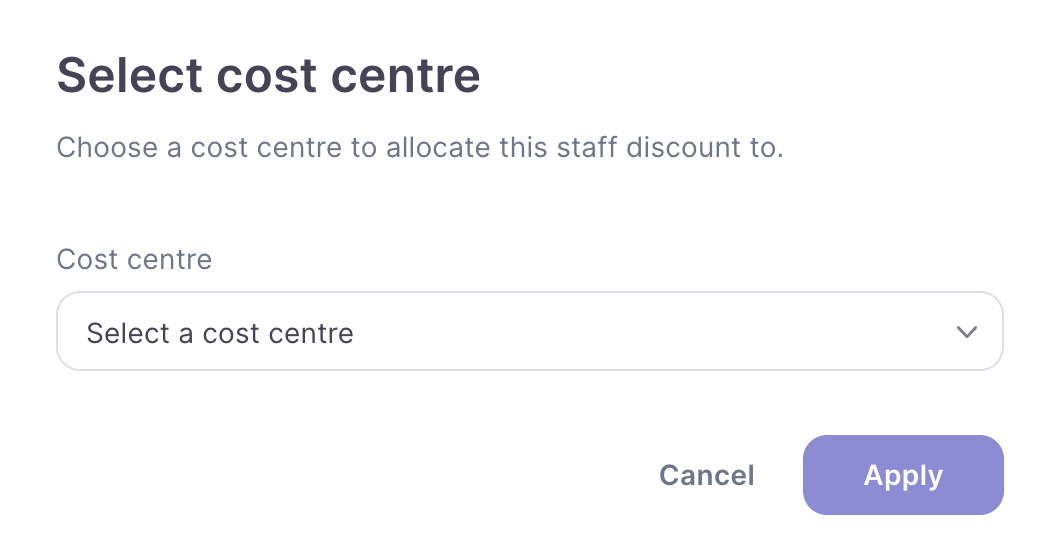
If you have cost centres enabled, you can add a cost centre to any discount put through the terminal (see cost centre article here for more information)
This step can be mandatory if require cost centre option is on.
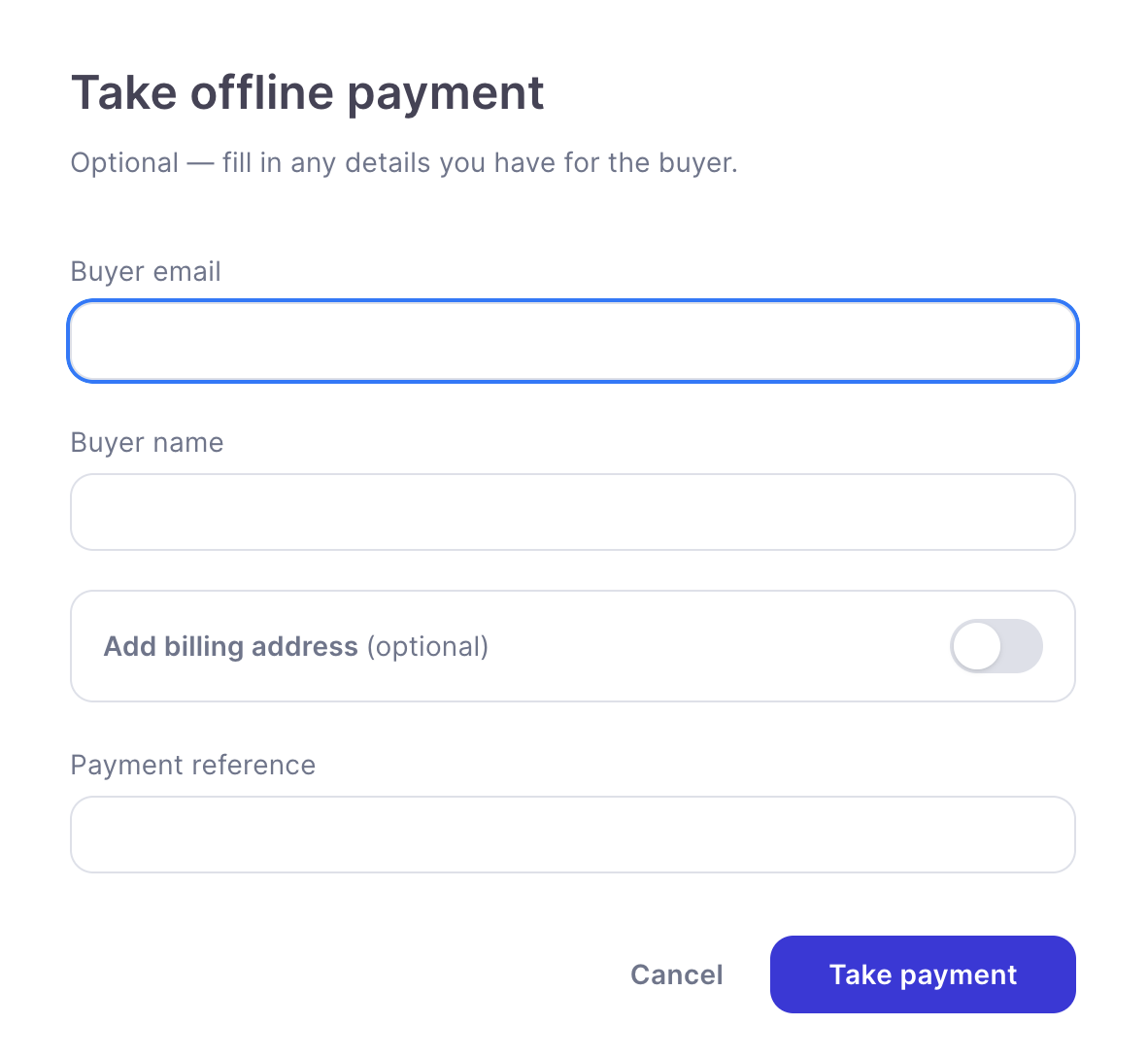
When you press pay offline you will see the take offline payment modal pop up
All these are optional but allow you to add customer details which will appear in the order details.
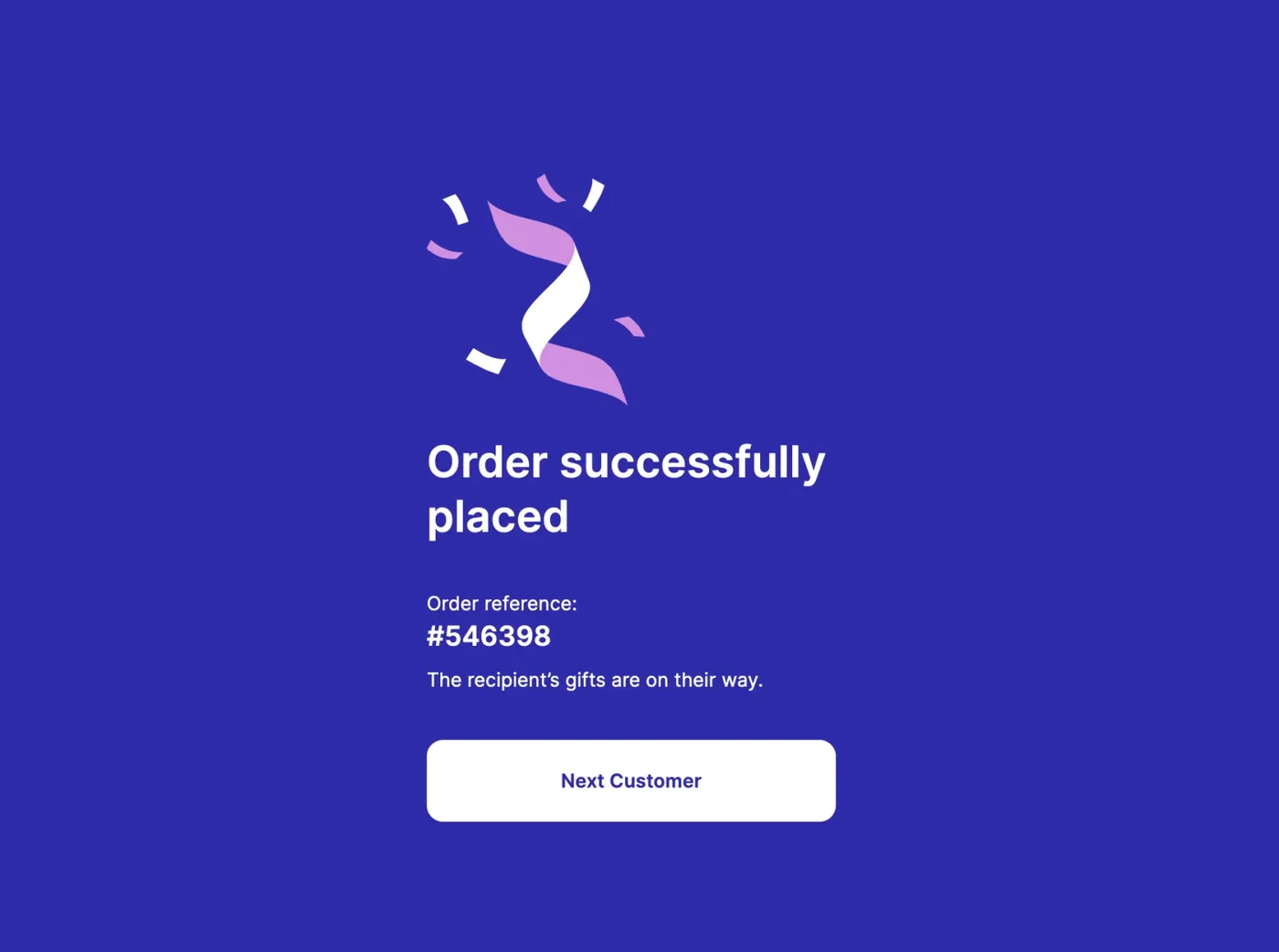
Then press take payment and you will get to the confirmation page :